Exxat at UTA: what it holds and how to use it
Exxat is UTA's graduate nursing clinical management system. Your compliance uploads, your self-placement requests (MyRequest), and your clinical timesheets and logbooks all live there. You sign in at steps.exxat.com with your UTA email and buy access the first time you log in. If a UTA page calls the system InPlace instead, the evidence points to that wording being older.
Get your placement plan
Tell us your UTA track and where you live. A placement advisor replies with what a UTA-ready preceptor and site look like for you.
What Exxat does for UTA graduate students
Exxat is where UTA's Department of Graduate Nursing runs the clinical side of your program. UTA calls it “an integrated clinical management system” (UTA Exxat page) and names four things it covers: clinical compliance, self-placement requests, logbooks and timesheets. It also stores the policies, procedures and resources UTA uses for compliance and placement.
You will use it from your first weeks in the program to your last clinical day, and DNP students use it too. The table shows where each job sits and which page on this site covers it in depth.
| What you need to do | Where it lives in Exxat | Covered in |
|---|---|---|
| Upload clearance items such as vaccine records, TB screening, CPR and the FERPA release | Compliance tile | Clinical clearance |
| Read UTA's clinical policies, preceptor guidelines and Exxat user guides | Resources tile | The six clinical policies |
| Submit a self-placement request for a clinical course | Dashboard, then Clinical coursework (MyRequest) | MyRequest guide |
| Record clinical time and patient encounters | Timesheets and logbooks | Hour logs |
| Give potential preceptors a picture of you | Your Exxat profile | The profile section below |
Logging in and buying access
Go to steps.exxat.com. Your username is your UTA email address, and you sign in through UTA single sign-on by choosing “University of Texas at Arlington”, according to the login instructions UTA hosts. UTA's PDF guides refer to this version of the platform as STEPS V4.
Exxat is a student purchase. Graduate nursing students pay for it on entry, per UTA, and you meet the purchase screen the first time you sign in. UTA's public Exxat page does not state the price.
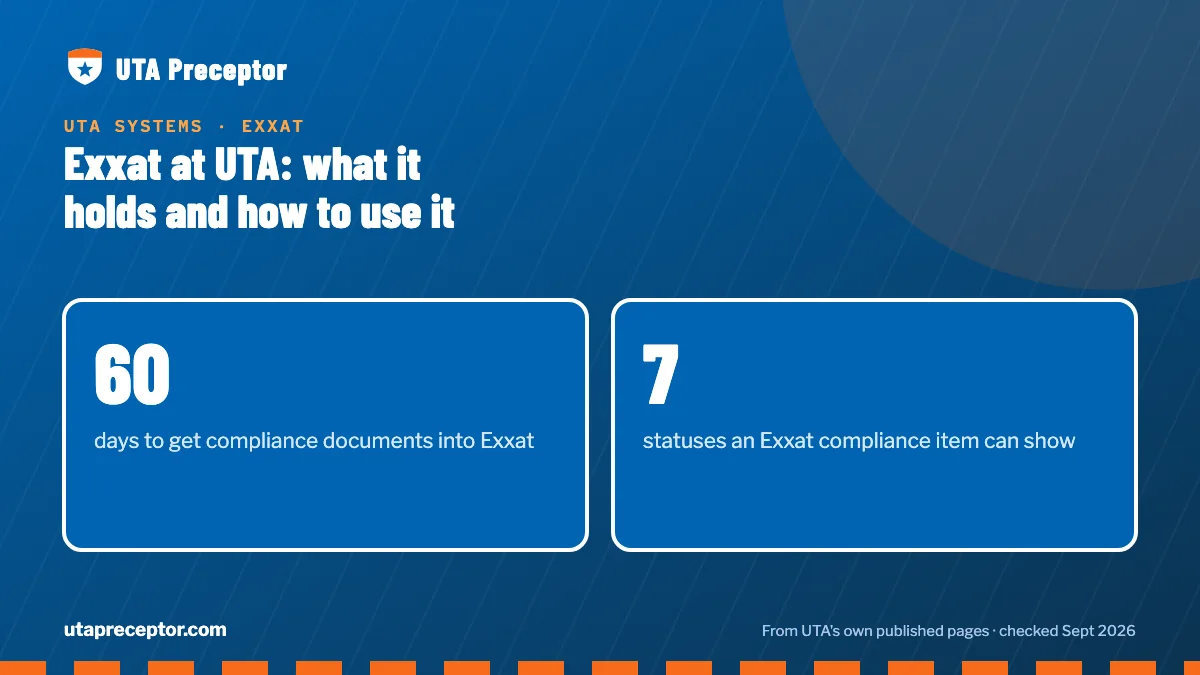
The compliance clock starts early. All of it apart from the background check and drug screen is due in Exxat inside 60 days, counted by UTA's Exxat page from the start of your first graduate course and by the clearance policy from admission. Either way, you must stay compliant for your whole time at UTA. The background check and drug screen come later, no earlier than 30 days before your first clinical course.
Exxat, InPlace or Typhon: why UTA's pages disagree
If you have seen three different system names, you are not misreading. As of September 2026, some UTA pages call the Graduate Nursing clinical management system Exxat, others call it InPlace, and older syllabi name Typhon. Here is what each name tells you.
| Name | Where you will see it | What it tells you |
|---|---|---|
| Exxat | UTA's Exxat page; UTA Online pages for FNP, PNP-AC, PNP-PC, RN-to-MSN FNP, MSN Education and several post-master's certificates; Exxat guides UTA hosts, dated 2022–2023 | The current login, purchase and support details |
| InPlace | Body text of the uta.edu NP program pages, the post-master's certificate page, the graduate nursing department page and the MSN/PMC current-student page; UTA Online AGACNP, AGPCNP and About CONHI pages | A placement-policy sentence that has sat unchanged on the department page since at least May 2021 |
| Typhon | Earlier UTA syllabi (2016–2018) | The log system for case and time logs before InPlace |
The dates point one way. The Wayback Machine shows the InPlace sentence unchanged on UTA's graduate nursing page since at least May 2021, while UTA's Exxat page was first archived in October 2022. That same department page names InPlace in its text but links to Exxat in its navigation. Earlier UTA syllabi (2016–2018) said students kept Typhon logs, a Spring 2018 syllabus noted some students would be using InPlace instead, and Fall 2018 syllabi required InPlace logs.
No UTA page gives a switch-over date, so read it practically. Exxat is the system UTA tells you to buy, log into and contact for support, and no current UTA page asks you to set up InPlace or Typhon. If a syllabus or your clinical coordinator names a different system for a specific task, follow them and ask.
Inside Exxat: compliance statuses, Resources and your profile
Each compliance item carries a status. UTA's upload guide lists them as Get started, In progress, Pending Review, Approved, Not Approved, Expiring and Expired. Watch the last two: noncompliance, under UTA's clearance policy, can bring a registration hold, a delayed clinical course or a denied placement.
The same guide warns that clinical partners may see your compliance items. Treat every upload as something a hospital or clinic may read, so keep it legible, current and complete.
The Resources tile holds what UTA keeps off its public site: preceptor guidelines, self-placement instructions and the Exxat user guides. UTA doesn't list the graduate vaccine requirements on a public page either; its clearance policy leaves the full list to the clinical management software, so check there rather than relying on another school's checklist.
Fill in your Exxat profile early. UTA recommends adding your work history, languages and a resume or CV, because the profile can travel to the preceptors you approach. Have it finished before you ask a preceptor to take you.
Who to contact when something in Exxat goes wrong
UTA splits Exxat problems between Exxat's own support, UTA advising and the clinical team. Sending the question to the right place first saves you a round trip.
| Problem | Where to send it |
|---|---|
| You cannot sign in to any UTA account, including MyMav and Canvas | UTA's IT service desk |
| Exxat itself is not working, or a course request is missing and your degree plan is fine | Exxat support at v4support@exxat.com |
| A clinical course is missing from MyRequest because of a degree-plan problem | MSNadvising@uta.edu |
| A question about a preceptor, site or placement decision | Your Clinical Coordinator, or your program's Graduate Clinical Coordination Team mailbox, such as FNP@uta.edu or PsychNP@uta.edu |
| You want clinicals in another state, or you are moving or taking a travel job | NursingSOA@uta.edu, before you look for a preceptor there |
Course faculty have their own help: UTA points them to the Graduate Canvas Organization Exxat Module. The three reasons UTA gives for a course missing from MyRequest are laid out on the MyRequest page.
Why UTA students bring us in before MyRequest
Exxat is your account, the place where your uploads, your MyRequest and your hour logs all live. What students come to us for is everything a request needs before it can be filed, and that work starts well before the course appears in Exxat.
Your placement advisor searches, usually for in-person options near you, for the right preceptor and clinical site for your UTA course, then puts together the pieces UTA's clinical team reviews: the preceptor's CV or resume, license verification, agreement forms and site details. If a preceptor drops, we are on call to line up a replacement. Your Clinical Coordinator and course faculty make the approval decision, and the request they open is one we have helped you make complete. See how it works, or use the form below to tell us your track and first clinical course.
Questions UTA students ask
How much does Exxat cost UTA nursing students?
UTA doesn't publish a figure. Its Exxat page says graduate students must buy Exxat when they enter the program, and the purchase comes up at your first login. Plan for it alongside the other clinical costs UTA puts on students, such as vaccines, titers, TB testing, CPR and other certifications, the background check and the drug screen.
My program page mentions InPlace. Do I need a separate InPlace account?
Nothing current from UTA tells you to create one. The InPlace wording is page text that has not changed on UTA's department page since at least 2021, while UTA's Exxat page carries today's login, purchase and support details. Use Exxat, and if a syllabus names another tool for a particular task, ask your course faculty before buying anything.
Can hospitals and clinics see what I upload to Exxat?
Some of it may reach them. UTA's upload guide allows for compliance items to be passed to clinical partners, and its Exxat page says your profile can go to potential preceptors. Keep documents current and readable, and bring your profile's work history and CV up to date before you start contacting preceptors.
Do DNP students use Exxat?
Yes. Under the DNP handbook, practice hours are logged in Exxat activity by activity, with the time spent and the DNP Essentials each one met, and the DNP Faculty Project Advisor accepts or rejects each entry. The project site goes into the same system before NURS 6323 ends. See DNP practice hours.
Do RN-to-BSN students need Exxat?
Probably not. None of UTA's public RN-to-BSN pages names Exxat or another tracking platform, and the program's practice work happens where you work or in your community, without a preceptor. The undergraduate handbook mentions buying a clinical management system, but that clearance section is written for prelicensure BSN students. If you're unsure, check your course syllabus in Canvas.
Related pages
Last checked 2026-09-23
We check these pages against UTA's own sources. UTA's current handbook and your course faculty have the final word.
Hand us the search. Keep your term.
Tell us your UTA track, your county and when your clinical course opens. We look for a preceptor and a site that fit what UTA asks for, and we help you put the approval packet together.
- Matched to your track's population and setting
- Paperwork prepared the way UTA's clinical team expects it
- In person near you, or a virtual option where your course allows it
Start your placement plan
A placement advisor replies with what a UTA-ready preceptor and site look like for you.